
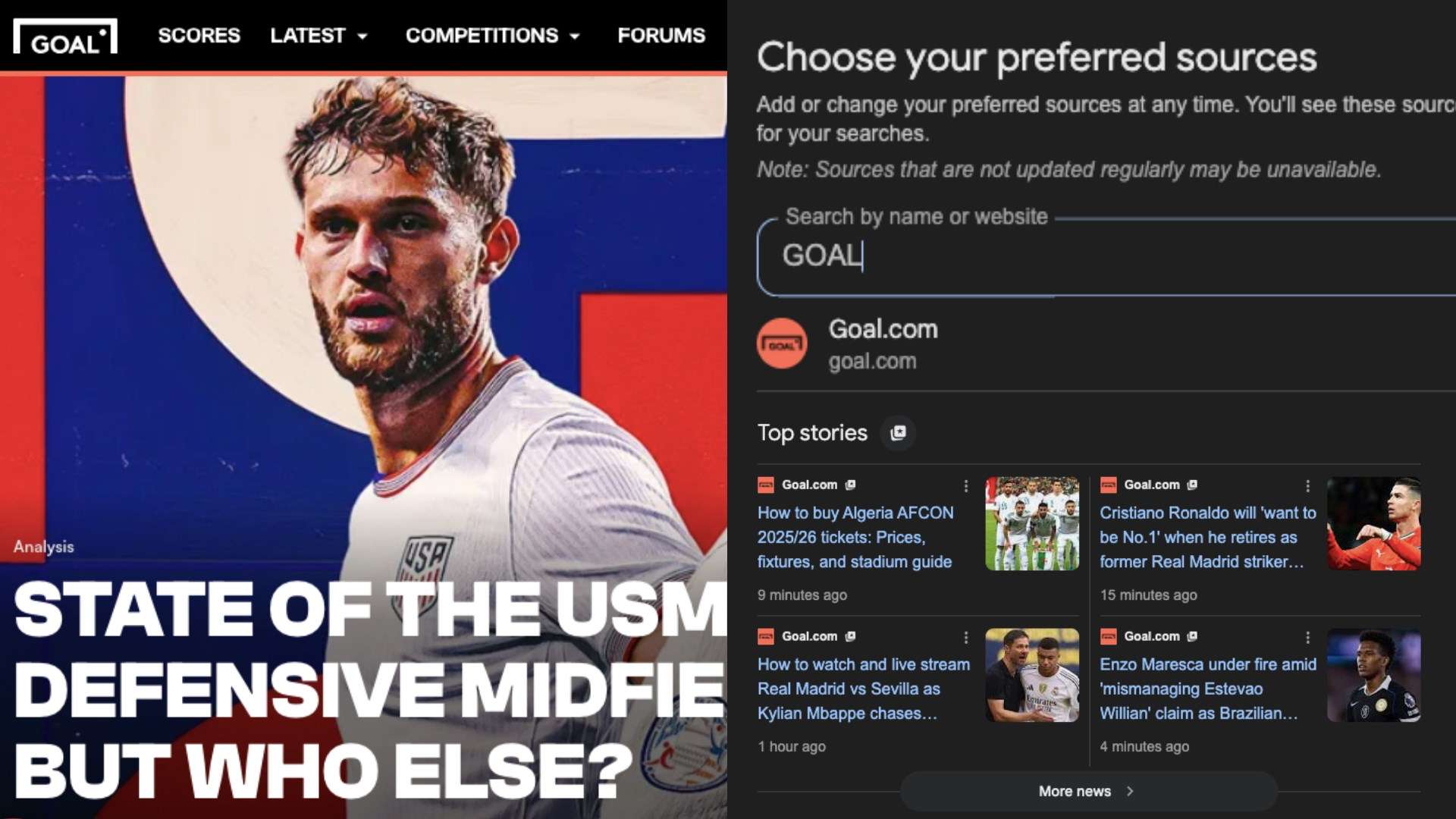
Google has launched a fresh new feature that allows you to choose your favourite news publishers, meaning you can ensure you see a lot more from them when browsing online.
With the rollout of 'Preferred Sources', you can now customise and personalise Top Stories, allowing you to create an enhanced experience, better tailored to your interests or tastes.
Whether you're keen to see what's happening with Lionel Messi's adventures with Inter Miami, hear the latest news on Ted Lasso or get the complete lowdown on the World Cup, you can do so by following a few easy steps.
How to add GOAL as a Preferred Source on Google
To add GOAL to your preferred sources on Google, you can simply click the shortcut link below.

Alternatively, you can follow these five simple steps:
- Search for any topic on Google.
- Click the icon to the right of Top Stories.
- Type for 'GOAL' or 'goal.com' into the search bar.
- Select GOAL by checking the box to the right. ☑
- Refresh your search and see more stories from GOAL.
After you have done the above, you will begin to see more GOAL stories and features in your search results.
As Google's official explainer outlines: "Once you select your sources, they will appear more frequently in Top Stories or in a dedicated 'From your sources' section on the search results page. You’ll still see content from other sites, and can manage your selections at any time."
You can select multiple preferred sources - there is no limit - and that means you can curate a range of sources that you prefer to see when you search for things online.
 Google
 Google
What is 'Preferred Sources' on Google?
Preferred Sources is a feature on Google Top Stories that allows users to select the websites they prefer to see in the results.
It was initially launched in August 2025 for users in the United States and India, but has been rolled out across more countries since then.
Google explained that Preferred Sources allows you to "select your favorite sources and stay up to date on the latest content from the sites you follow and subscribe to — whether that’s your favorite sports blog or a local news outlet." Therefore, once you have selected your preferred sources, "you’ll start to see more of their articles prominently displayed within Top Stories, when those sources have published fresh and relevant content for your search."