This page contains affiliate links. When you purchase through the links provided, we may earn a commission.
NordVPN for AppleTVNordVPN

Which is the best VPN to use for Apple TV and why?

Most popular

Plus

  • 30-day money-back guarantee
  • Secure high-speed VPN Threat Protection Pro™: Anti-malware and advanced browsing protection
  • Password manager with Email masking

Devices secured at once: 10

Monthly from

£3.49

Get NordVPN

Being in the know when it comes to the best VPN provider to use for speed, efficiency, and customer care is one thing, but making sure it’s compatible with certain streaming brands, such as AppleTV, is another major factor you should be considering. 

Because when you're travelling abroad for example, you want to know you can still access all the entertainment you're already paying for. 

Therefore, why wouldn't you use a VPN? Not only does it make your on-the-go streaming demands effortless, but it keeps you safe at the same time.
Here's a GOAL guide to how you can attain the best possible performance for watching all your favourite Apple TV+ movies and shows. 

From Masters of the Air, Severance, and Silo, to Fly Me to the Moon, Napoleon, and Killers of the Flower Moon, as well as live TV channels, while streaming via your Apple TV device. 

We'll also dive into all the privacy and online security benefits, especially while on the move.
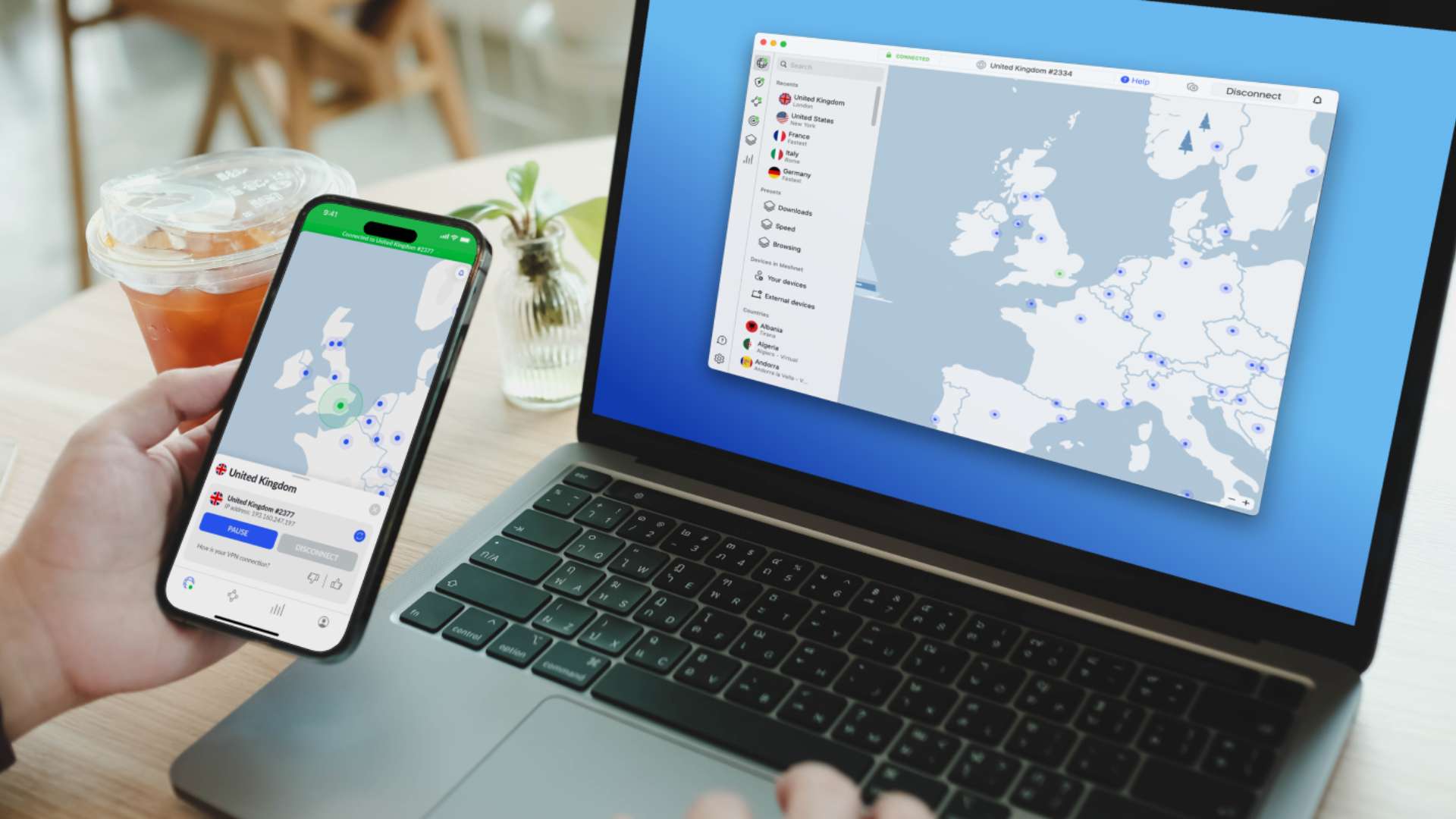
  • What is a VPN?

    VPN stands for Virtual Private Network, and it allows users to create secure, encrypted communication via an internet connection. In other words, a VPN provides access to your own private network by routing your internet traffic through a remote server, which the VPN provider of your choosing hosts. 

    The main benefits of a VPN are that it makes your time online safe and encrypts your data so it remains protected by hiding your IP address, making you less susceptible to those who wish to steal your personal data.

    READ MORE: What is a VPN? GOAL's guide to everything you need to know

  • Advertisement
  • NordVPN in use from UKNordVPN

    Why should I use one?

    If you value your privacy, then it is a logical investment. It’s practical for all scenarios, whether you're at home and want added reassurance you are protected or are out and about.

    For those who travel extensively abroad, using a VPN can prove highly practical. For example, you can watch various subscription services, such as AppleTV, that would otherwise be inaccessible wherever you are.

    While sceptics may be weary about using VPNs, they are extremely easy to navigate and are entirely legal in most countries. Peace of mind is what you’d get from using a service like NordVPN, a provider known for their strong encryption and overall efficiency.

    One thing to note regarding the speed of your connection is preventing Internet Service Providers (ISPs) from speed throttling. This is a process whereby the provider you’re using will impact your connection speed (more so during peak hours) based on what you’re using it for. Employing a VPN eradicates that issue due to safeguarding against any third party seeing what you’re doing, thus maintaining faster internet speeds for whatever you’re watching.

  • Why does it need to be fast?

    Knowing which is the fastest VPN for streaming should be near the top of everyone's checklist when signing up, especially if you enjoy watching your favourite shows without the dreaded buffering symbol appearing every 30 seconds. So finding which is the fastest, most reliable VPN service out there is an important task. Having already established that NordVPN is the fastest, looking into what they offer would be a sensible step.

    READ MORE: Which is the best VPN to use in the UK?

  • NordVPN on Android TVNordVPN

    Important things to consider 

    When picking a VPN to use for streaming Apple TV and Apple TV+ content, it's vital to research into a provider’s service and functionality aspects before signing up. Consider these factors before picking the right VPN for you.

    • Choosing a VPN provider that has a dedicated app in place for tvOS

    • One that’s easy to install, configure, and use

    • Make sure it’s fast, as speed loss can be a factor

    • Pay for one; free VPNs won’t offer the same quality that a subscription will

    • Check the company’s customer service availability, aka make sure it’s reliable

  • Why should I pick NordVPN for Apple TV?

    The great news for anyone wishing to use a VPN while using Apple TV is that NordVPN has a dedicated app compatible with Apple TV (tvOS). On 18 December 2023, around 12 months after the brand released tvOS 17, NordVPN launched a service for Apple TV. All NordVPN users have access to this, whatever subscription they opt for, meaning the download available on the Apple TV app will make using it easier.

    ✓ NordVPN allows up to 10 simultaneous connections, with dedicated apps available on various devices, including iOS.

    ✓ NordVPN offers more than 8,100 servers in more than 126 locations, including the Americas, Africa, Asia-Pacific regions and Europe, giving customers several flexible options.

    ✓ Because availability is so widespread, you’ll always have a fast server at your fingertips.

    ✓ It’s a four-times audited no-logs service, giving customers further peace of mind in regard to their privacy.

    ✓ NordVPN offers 24/7 customer service, with a support team on hand to help.

    ✓ It uses AES (Advanced Encryption Standard), making your data as secure as it can possibly be.

    ✓ It provides speciality servers that increase user security and bypass various other restrictions.

    ✓ NordVPN uses Threat Protection Pro, which offers stronger security than standard VPN protection. A benefit is it’ll block ads and trackers.

  • NordVPN on Android tabletNordVPN

    How to install

    Using NordVPN for Apple TV has a setup process that is incredibly quick and is streamlined to help users.

    • You search for and download the app from the App Store via your Apple TV device.
    • From there, you follow the instructions as they appear on your screen.
    • Once it’s all set, you’ll be asked to log in with your username and password.
    • After that, click “Quick Connect”, and away you go. You’re also given the option to pick a specific location or city, anywhere in the world.

    READ MORE: How to set up a VPN in the UK

  • NordVPN deals

    Currently, NordVPN has a number of package choices to suit all budgets, from single-month usage to signing up for a set number of years.

    Each subscription offers a 30-day money-back guarantee, various levels of cloud storage and added security functions. Obviously, the longer you commit, the more benefits you will receive (and the lower the monthly charges will be). That said, the month-to-month payment plans can cost more and also provide more.

    Plan

    1-month plan

    1-year plan

    2-year plan

    Ultimate

    12.09

    6.69

    5.39

    Plus

    10.99

    4.69

    3.49

    Basic

    10.19

    3.89

    2.69
  • NordVPN QR code NordVPN

    The next step

    If you’re looking for a reliable service that offers impressively quick speeds, safety and personal security, then NordVPN is your best bet. 

    Not only do they offer affordable deals for short or long-term use, but also the fastest upload and download speeds on the market, making it the ideal VPN for using in conjunction with your Apple TV subscription and shows you're streaming via Apple TV+. 

    Having a dedicated Apple TV app means it’s incredibly easy to install and use, offering a hassle-free way to watch your favourite films, shows, or live television channels with the safety of a VPN.