This page contains affiliate links. When you purchase through the links provided, we may earn a commission.
best streaming services for 2023GOAL / various

The best streaming devices of 2023

This page contains affiliate links. When you subscribe through the links provided, we may earn a commission.

Calling all cable cutters! It’s an exciting time to be you. 

Streaming devices are the top tier of flexible viewing, bringing all the streaming services you use into one neat location. Whether you’re looking for live coverage of the Premier League or some pithy life lessons from Jose Mourinho in Netflix’s “The Playbook”, you’re covered with the click of a button. If that's not enough, any device worth its salt features 4k and HDR content, so you've always got a front-row seat.

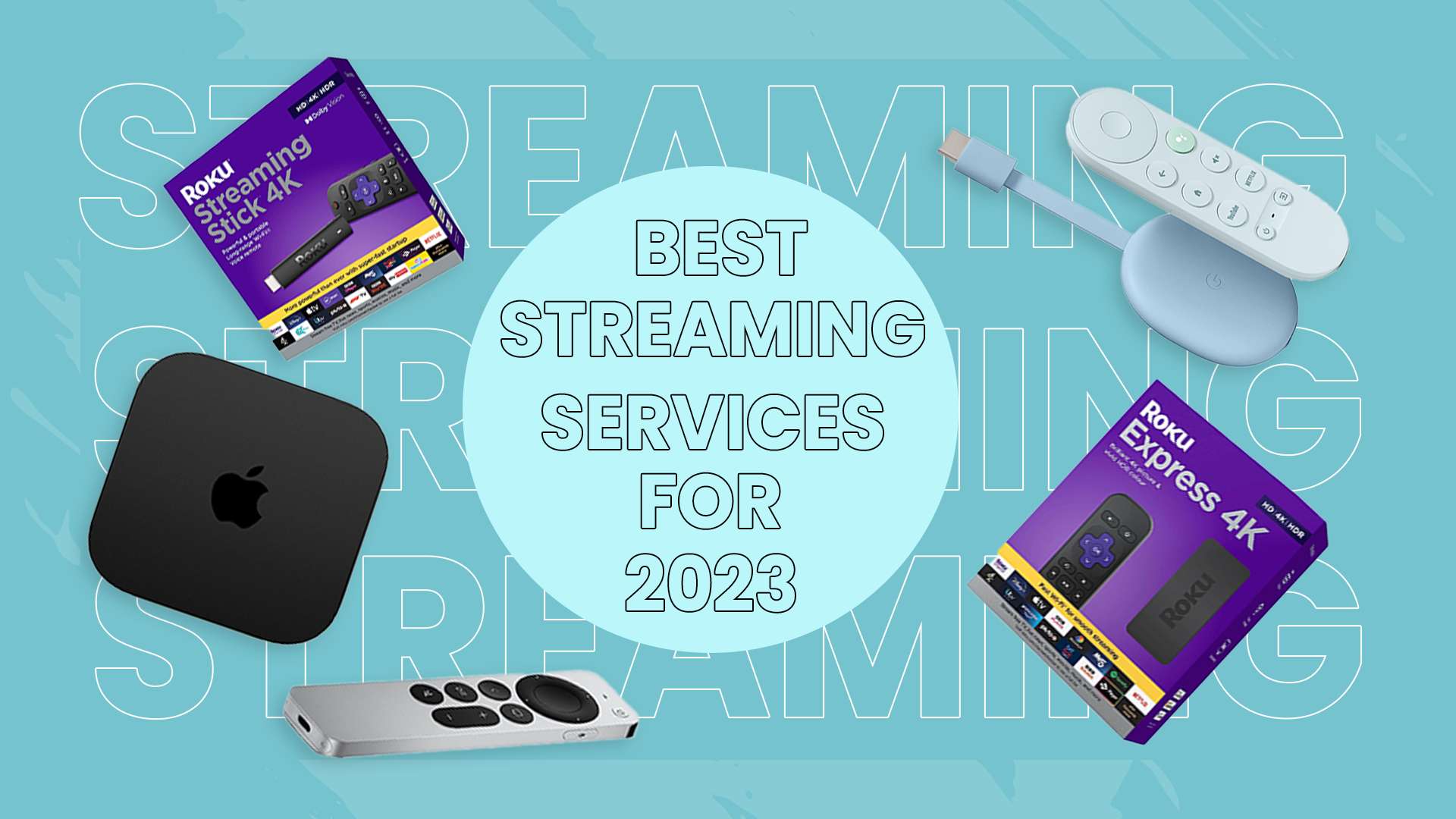
There are a lot of streaming devices to choose from. To fast-track you to the right one for your budget, we've put together our six best and brightest.

What to consider: 

Essential 

  • Visual Quality
  • Interface 
  • Apps in the device library 
  • App and content Loading speed
  • Pricing

Additional

  • Smart device functions 
  • Advertisements
  • Dolby audio and visual compatibility

Our Top Six Streaming Devices

  1. Roku Streaming Stick 4k [$49.99]
  2. Roku Express 4k [ $39.99]
  3. Nvidia Shield TV [$149.99]
  4. Chromecast with Google TV 4k [$49.99]
  5. Amazon Firestick 4k max [$54.99]
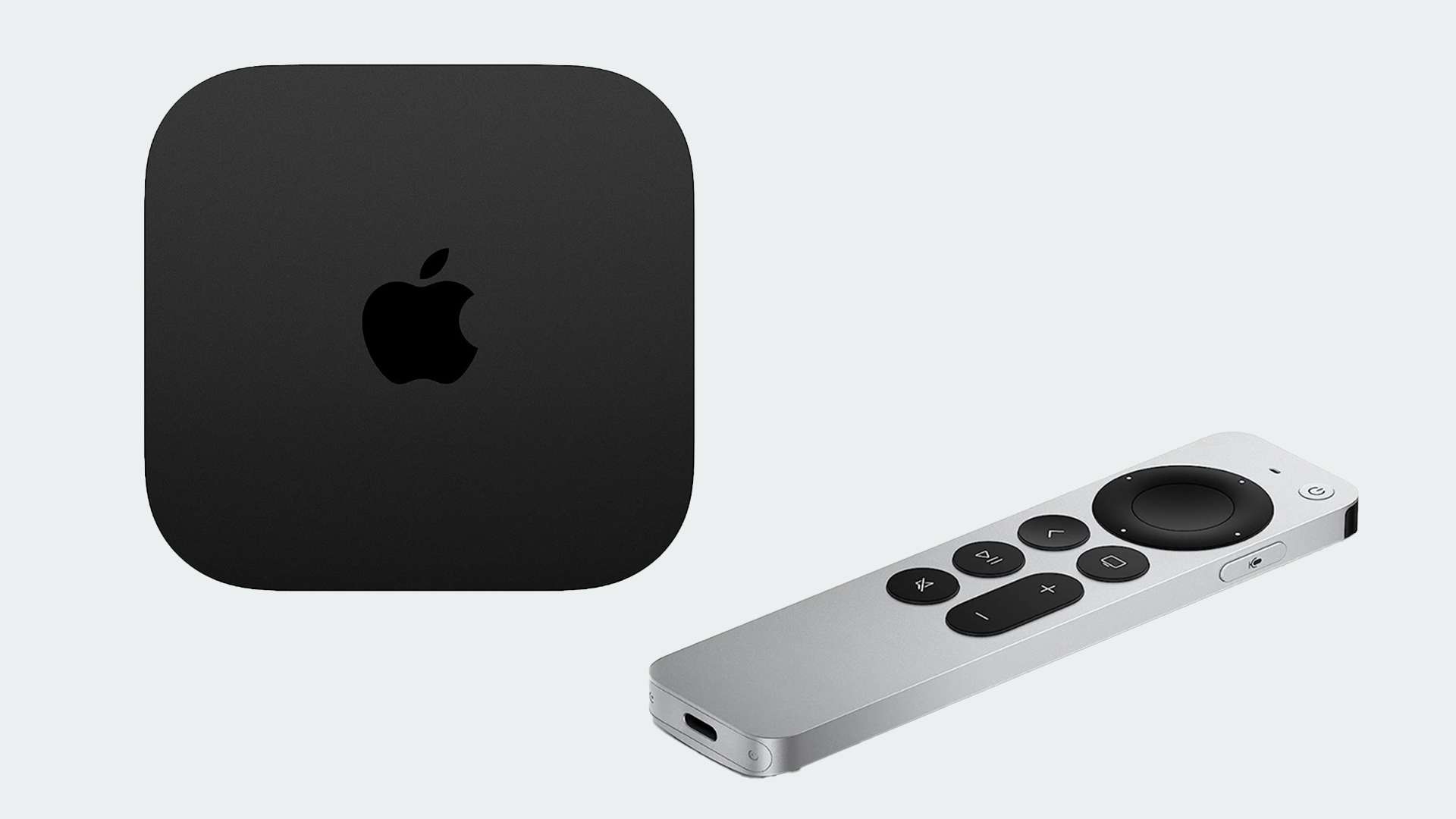
  6. Apple TV 4k [$129.99]

We've weighed up the merits of each, so you can decide which gets the sacred spot in your living room.

Whether you're buying on a budget, or on the hunt for premium visuals that put you a hairbreadth from the action, there's something for you.

RELATED

You can also find league and competition schedules for your favorite teams using GOAL's streaming services.

FAQS

Do I have to pay monthly for my device?

No, your streaming device is a one-off purchase. However, streaming services and channels accessed via your streaming device (e.g., Netflix, Amazon Prime, Peacock, Paramount+) will require you to pay a monthly subscription. 

Will I have access to every channel?

Most devices have access to the big streaming apps you need. However, if you’re looking to stream specific leagues and games, it’s essential to check which services broadcast them and whether those services are available through that device.

Are additional features worth the extra cost?

That depends. For most people watching the big game in 4k with HDR is more than enough to feel close to the action. But if you want a cinematic experience with every watch and are willing to invest, the likes of Dolby Audio and visuals will provide a more immersive viewing experience. 

  • Best streaming devices

     Best for under $40

    Roku Express 4k is hands down the best on the market for those wanting quality streaming on a budget.  It’s one of the only 4k services available for under $50, offering good app variety and loading speeds. Express includes Airplay, so it can be synchronized across Apple devices. It’s an affordable all-rounder. 

    Pros

    Affordable pricing

    Provides 4k and HDR

    Good loading and streaming speeds

    Simple interface

    Airplay allows multi-device use

    Cons

    Doesn’t support any Dolby or Atmos features

  • Best all-rounder

    The Nvidia Shield 4k is an accomplished all-rounder. It’s one of the pricier dishes on the menu as a result, but well worth it if it fits your budget. Nvidia Shield TV is an Android device that comes with 4K streaming and HDR, lightning-fast loading, and a responsive, user-friendly dashboard. Its extensive app library gives you up to 5000 channels.

    If that’s not enough, you get all the smart features you could ask for, with built-in Google Assistantsmart home control, network data storage and file sharing, and DVR storage for live TV recording through HDHomeRun.

    Pros

    High storage capacity

    Extensive app library

    Smart device features

    Excellent visual quality

    Fast streaming

    User friendly dashboard

    Cons

    One of the most expensive on the market

  • Best for under $50

    Say hello to smart streaming. Chromecast offers 4k, HDR and is a reliable option for live TV.  However, its greatest strengths are its smart device features, offering Google assistance via the voice-controlled remote and smart home control. Chromecast also integrates seamlessly with other Google-run platforms, such as YouTube and Google Photos.

    Pros

    Provides 4k and HDR

    Varied app library

    Advanced voice control

    Integrates with other google platforms and appliances

    Good for live TV integration

    Cons

    Interface could be improved

  • Best for speed

    Supporting Wi-Fi 6 and Dolby Vision, the Amazon Fire Stick 4k Max offers impressive loading speeds and high-quality visuals if you have the appropriate router. Similarly to Google Chromecast, the Amazon Fire Stick is well integrated with other services from the provider.  The Fire Stick 4k Max features Alexa to help you search for your favorite channels, as well as smart home control and a huge variety of apps.

    Pros

    Huge App Library

    Fast connection speed

    4k and HDR content

    Supports Dolby visuals and audio

    Alexa voice control

    Cons

    Advertisements mean interrupted streaming

  • Best for Apple users

    Apple TV 4k is on the pricier end of streaming devices, but it’s worth it. Including Dolby Vision and Atmos, Apple TV soars above its competitors for visual quality. It also integrates itself with Apple Music, arcade, fitness, and photos. So, whether you’re watching the big game or reminiscing over a stadium selfie, Apple TV has you covered. The product comes with 64GB of storage, and with the A15 Bionic system-on-chip, loading times and streaming is instantaneous. 

    Pros

    Consistently fast streaming with A15 chip   

    Supports a wide range of streaming services

    Seamless integration with other Apple services

    Dolby and Atmos included

    Cons

    More expensive

  • Best for app library

    Wherever you look, Roku seems to have mastered the top spots when it comes to streaming devices. And for good reason. The Roku Streaming Stick 4k offers a huge variety of apps in its library, 4k, and HDR viewing. It also carries the most user-friendly interface, allowing you to navigate your favorite shows and events quickly and easily.  If that’s not enough, it supports Dolby Vision for the visual buffs in the rafters and now has Airplay, so it can be accessed across apple devices. That’s a lot for only $50. 

    Pros

    4K and HDR capabilities

    Extensive app library (26,000+)

    Fair pricing 

    Supports Dolby Vision

    Airplay allows multi-device use

    Cons

    Weaker than competitors for live TV